Conflicts Report
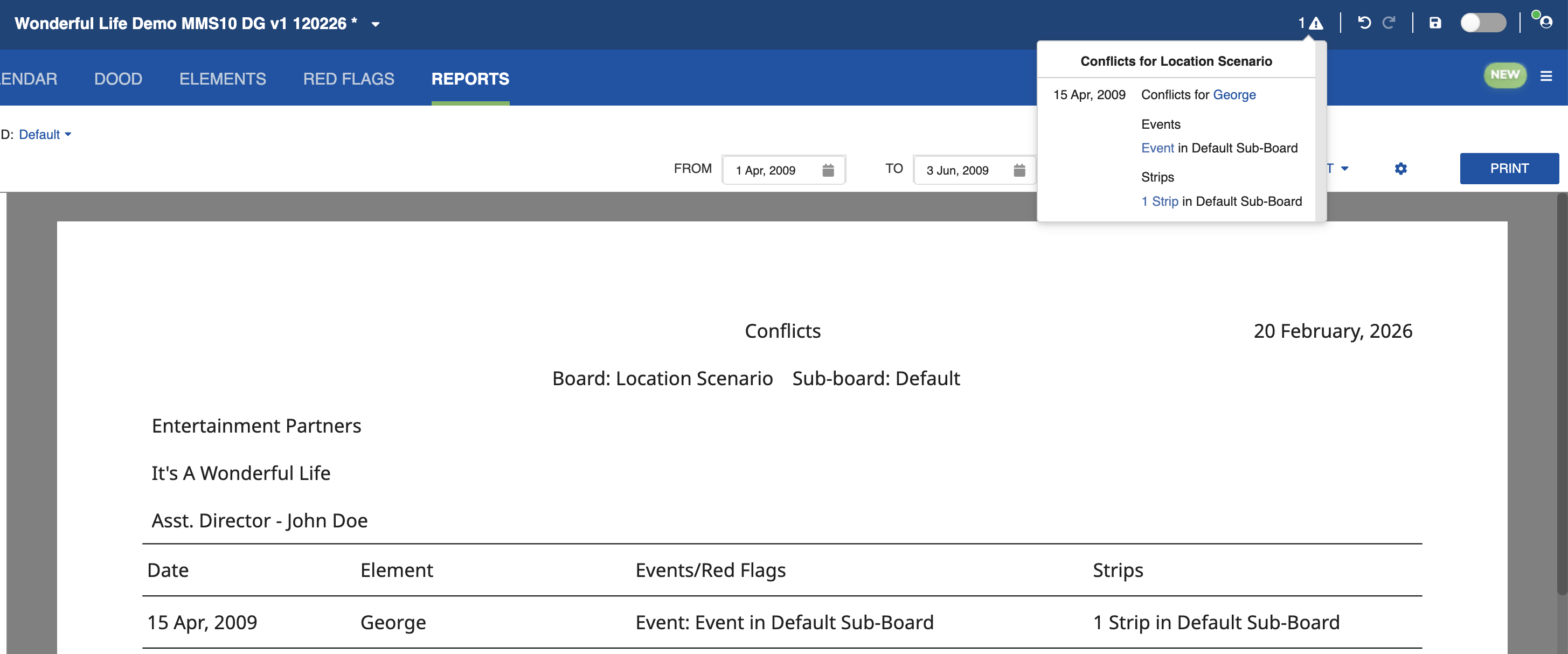
The Conflicts report lists all scheduling conflicts detected in the currently selected Board and Sub-Board. Only Sub-Boards with Day Breaks will show Conflicts. Conflicts are also indicated on the top bar.
For each conflict, the report shows the Element involved, the conflicting items (Strips and/or Events), and the dates on which the conflict occurs.
See Conflict Handling for details on how conflicts are detected and how to resolve them.