Board Find
The Board Find tool lets you search for specific strips in your Board.
To use Board Find:
-
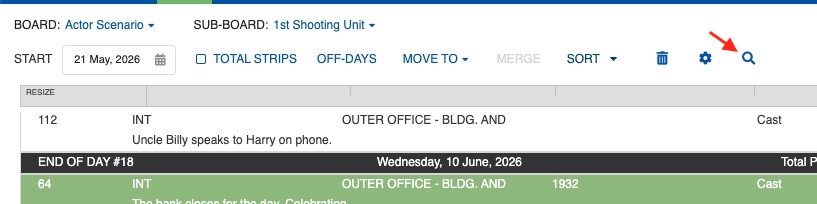
Click the search icon (magnifying glass) in the menu at the top of the Board.
-
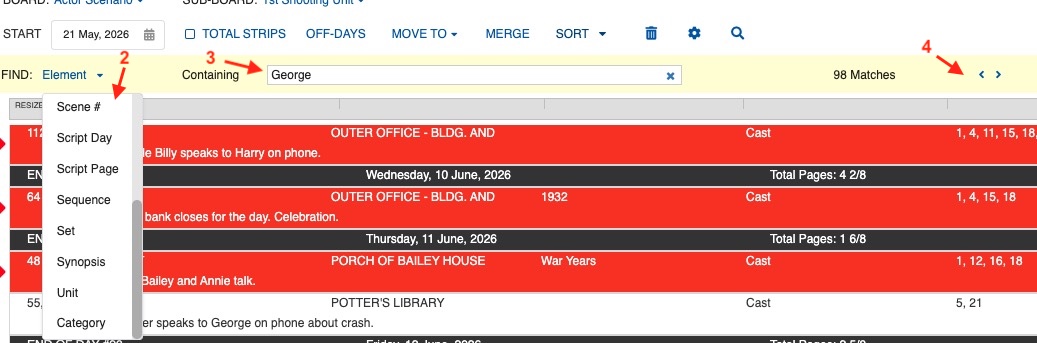
A new search bar appears at the top of the window. In the Find dropdown menu, select the category to search in (for example: Element, location, set, synopsis).
- In the Containing field, type part of the element to narrow down the search.
- The Board will highlight matching Strips.
- Use the navigation arrows to move between matches.
Note
For advanced searching and replacing across your entire schedule, use the Advanced Find & Replace split screen option.