Print & Download
You can export or print the Board directly from the Board tab.
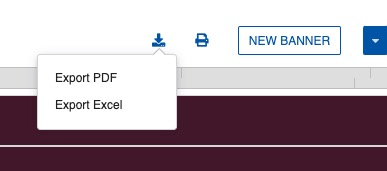
To Export the Board
- From the Board tab, click the export icon.
- Select Excel or PDF.
To Print the Board
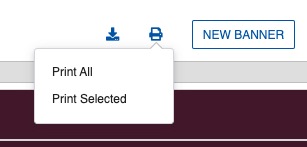
From the Board tab, you can print either selected strips or the entire schedule.
- Click the print icon in the menu at the top of the Board.
- Select Print All or Print Selected.
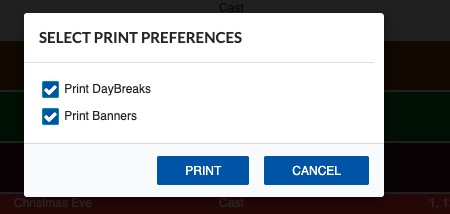
If you print selected strips, choose the Print Daybreaks or Print Banner option as needed. Click Print to send to a printer, or Save as PDF to export.
Note
For full report options including One-Line Schedule and Shooting Schedule, go to the Reports tab.