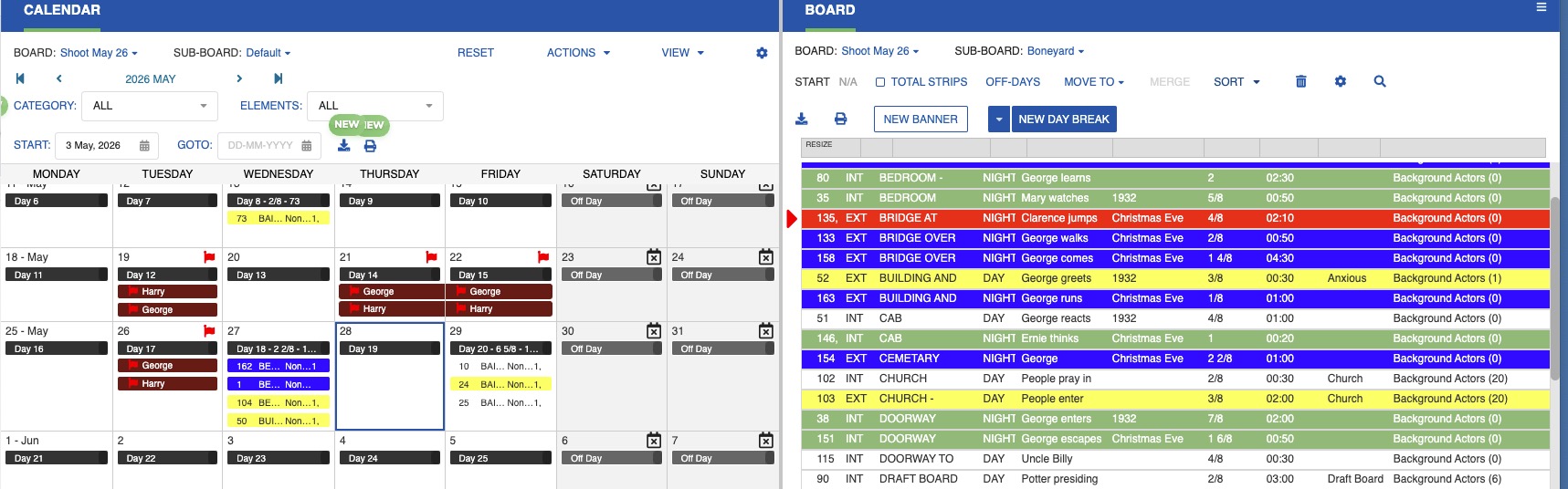
Calendar / Board
The Calendar/Board option lets you view the Calendar and Board side by side and drag strips directly onto shooting days. Only Sub-Boards from the same Board are shown.

Any action taken in one panel is immediately reflected in the other. Available actions include:
- Change Start Date
- Sort strips
- Define the off days
- Add or Delete Day Break
- Add or Delete Banner
- Create or Change Events
- Create or Change Red Flag
To Access
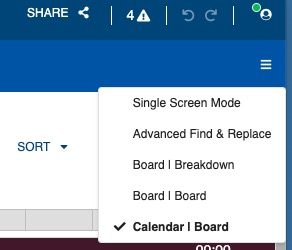
- In the upper-right corner of the window, click the three-line menu icon.
-
From the dropdown menu, select the Calendar/Board option.
Drag & Drop
Drag and drop strips between panels to reschedule them.