Element List
The Element List report generates a list of all Elements in the selected Category for the currently selected Board and Sub-Board.
Use the CATEGORY dropdown at the top of the Report preview to select which Category to display. The report shows each Element's Board ID, name, and the number of days it is scheduled to work. Calendar dates are greyed out.
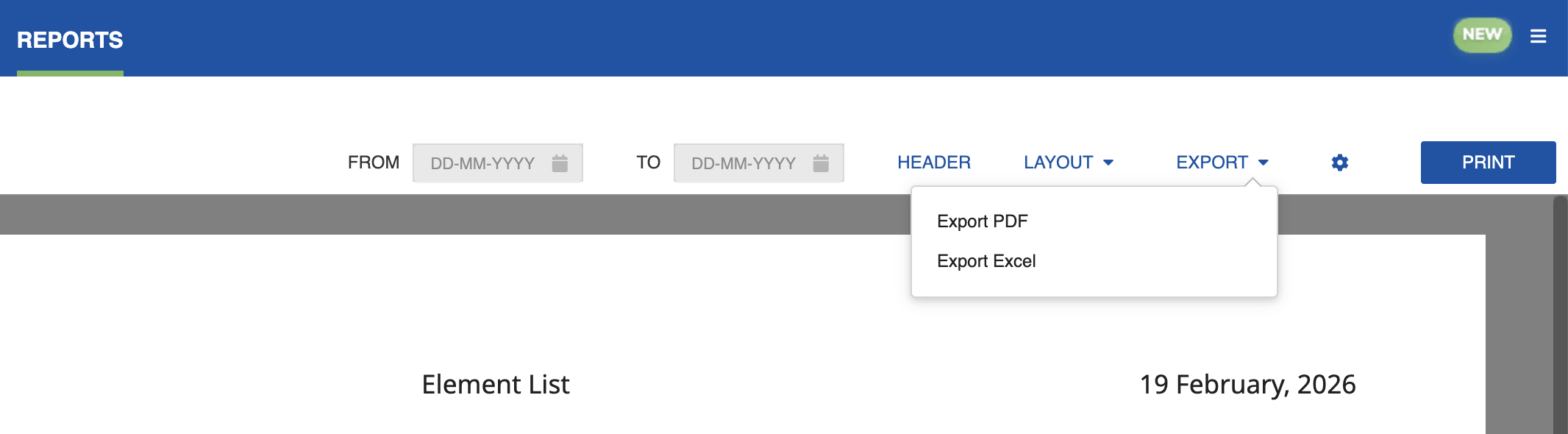
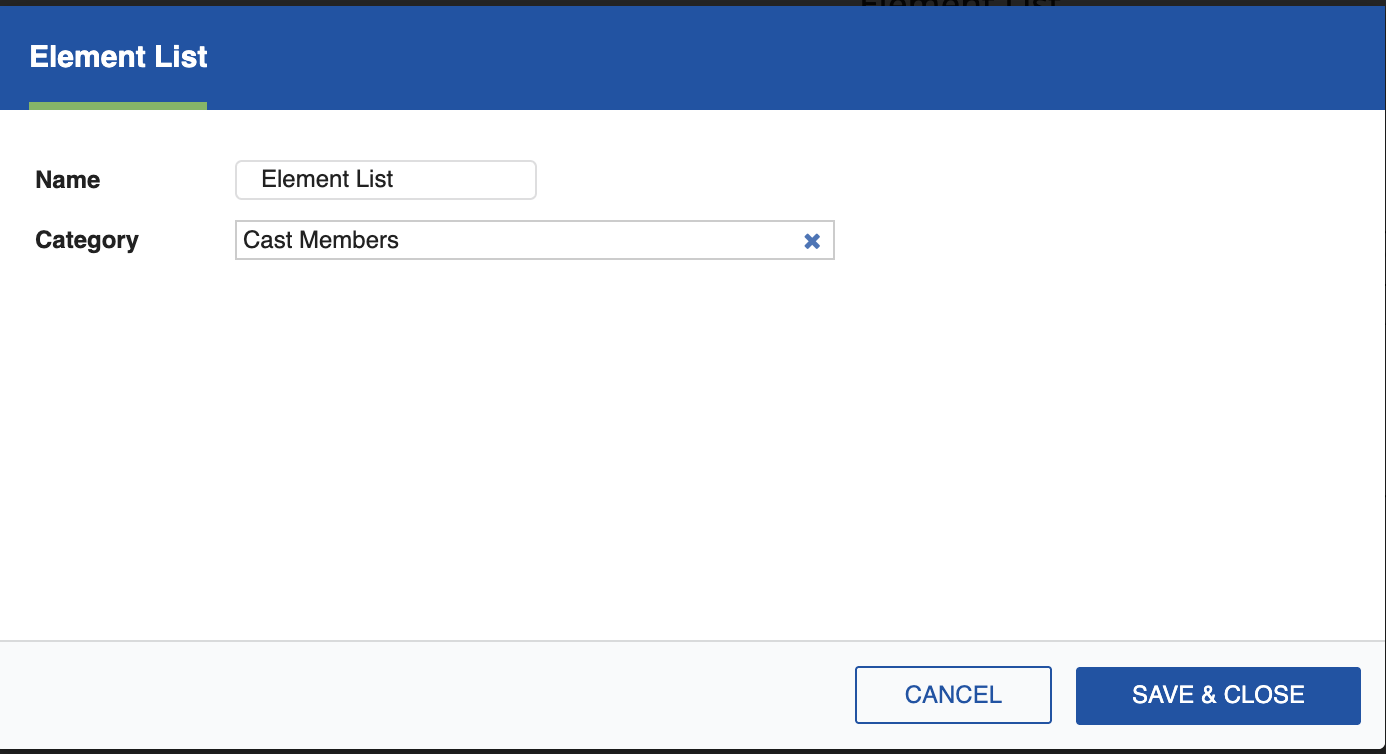
Click the Settings icon (cog) to open the settings dialog, where you can select the Element to be reported. You can export the Element List as a PDF or Excel sheet, or click Print to generate a hard copy.
Built-in Category Values
The Element List report includes built-in category values, such as Set and Location, for Elements mapped to a Built-in Category. When you filter the report by a built-in Category, the associated scene metadata appears alongside each Element rather than being left blank.