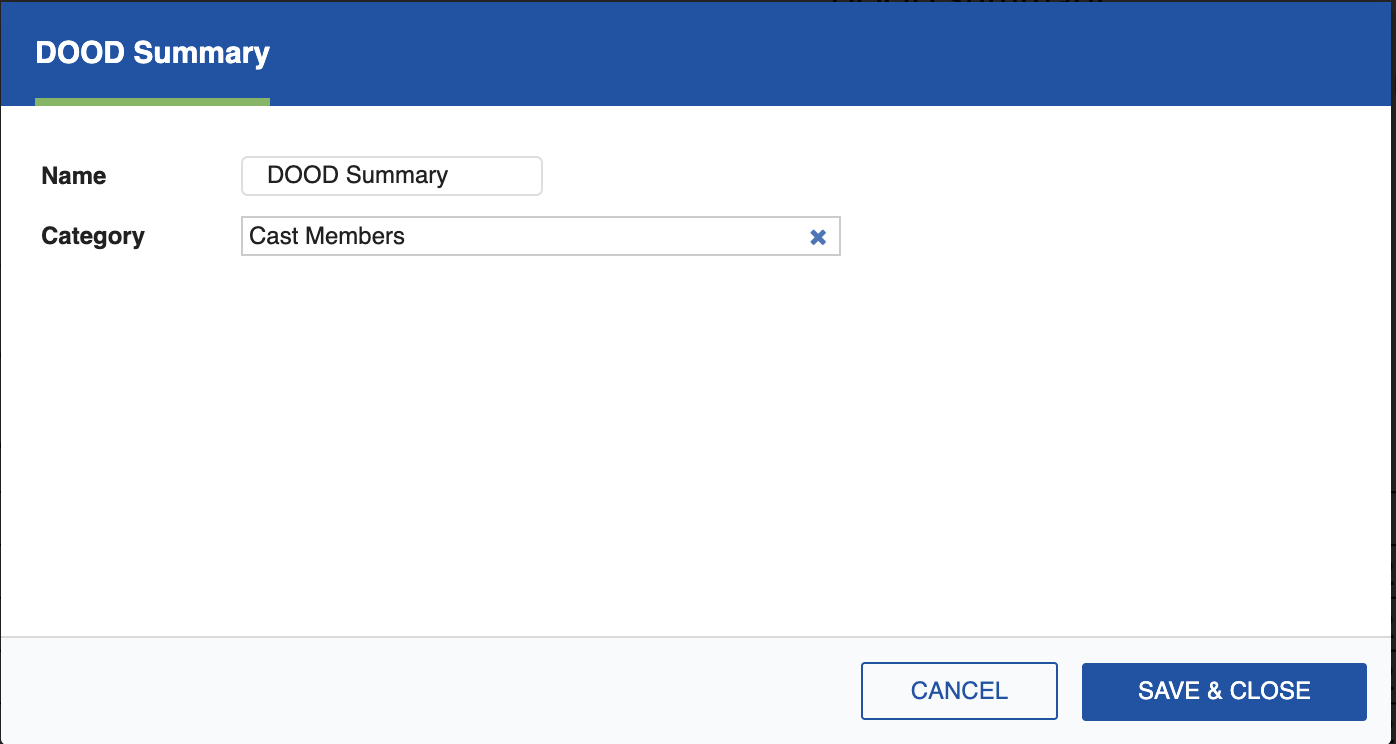
DOOD Summary
The DOOD Summary report provides a condensed view of the Day-Out-Of-Days, summarizing working days totals for each Element in the selected Category.
Use the CATEGORY dropdown at the top of the Report preview to select which Category to display. Calendar dates are greyed out.
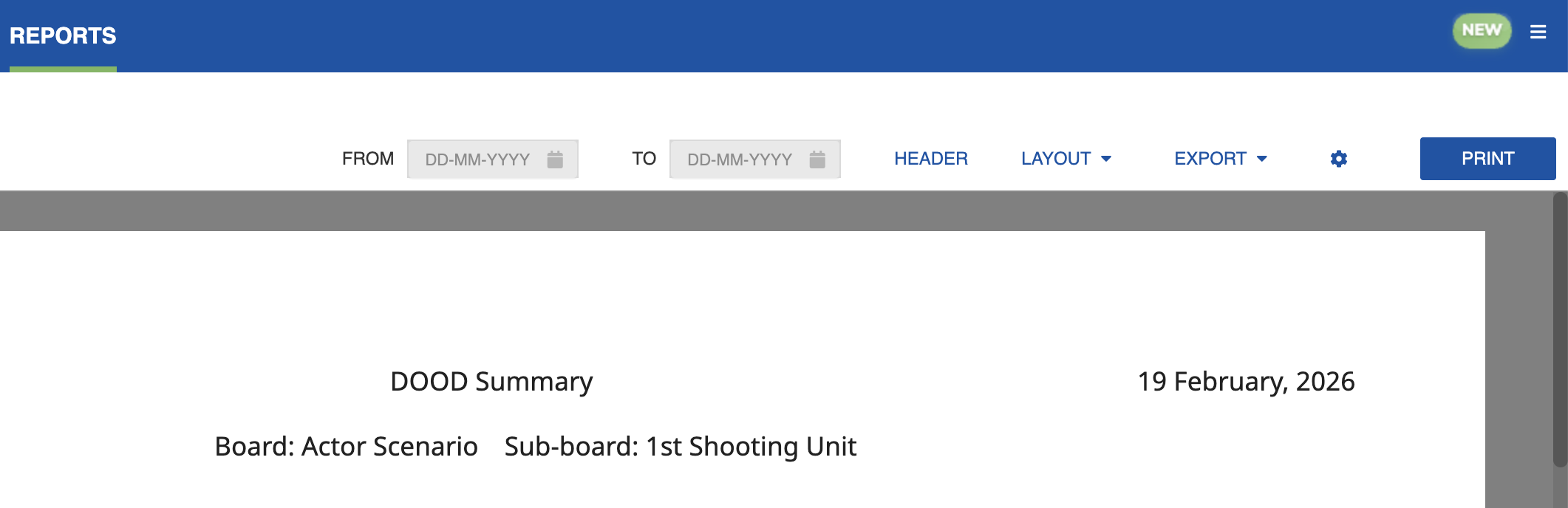
The DOOD Summary shows the total number of days each Element is scheduled to work, held, traveling, or in fittings, without the full day-by-day grid of the standard DOOD Report.
Click the Settings icon (cog) to open the settings dialog, where you can select the Element to be reported. You can export the DOOD Summary as a PDF or Excel sheet, or click Print to generate a hard copy.