DOOD Report
The DOOD Report displays a Day-Out-Of-Days for the current Board and Sub-Board. By default, the Cast Members Category is selected, but you can change which Category is displayed with the CATEGORY dropdown at the top of the Report preview.
The DOOD Report will display each Element in the Category as rows and each day in the Schedule as columns. If more days exist in the Schedule than fit on a page, the DOOD Report adds pages until the entire Schedule is represented. If more Elements exist in the Category than can fit on a page, the DOOD Report will add pages until all Elements are reported.
Note
The DOOD Report is based on the Working Week established in the Board and Sub-Board Calendar.
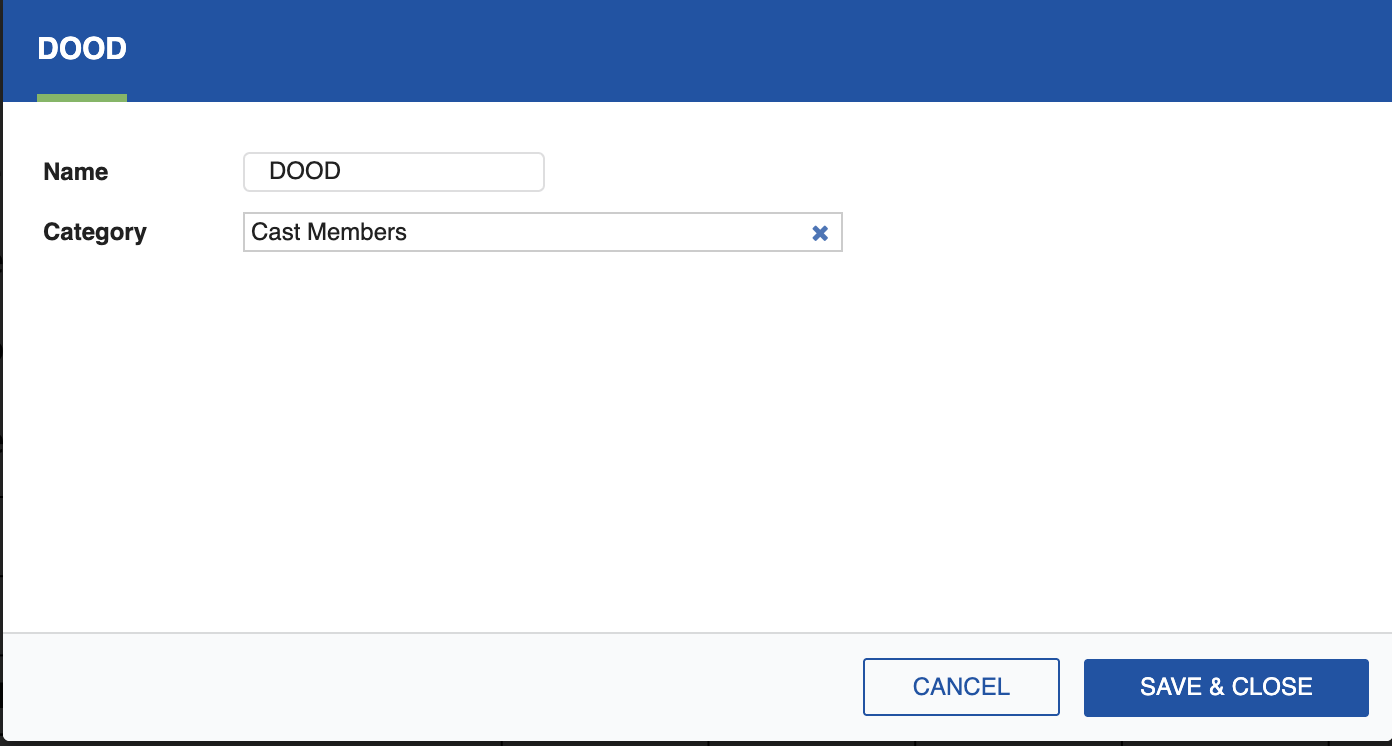
Customize the DOOD by clicking the Settings icon (cog) at the top of the Report pane to open the settings dialog, where you can select the Category for the DOOD you wish to report.
See DOOD Rules for the letter codes used in the DOOD Report.