Calendar Report
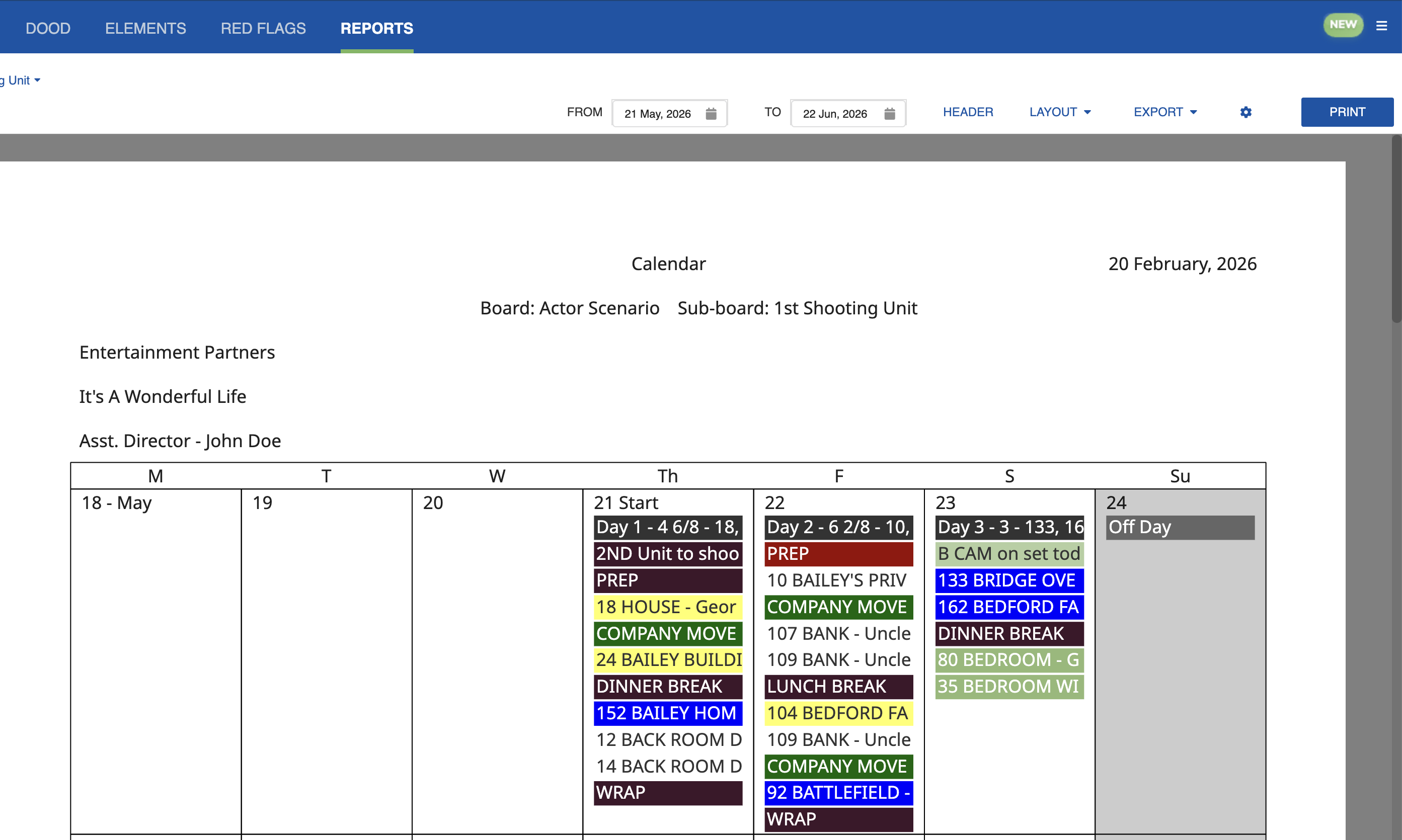
The Calendar report generates a printable calendar view of your schedule for the currently selected Board and Sub-Board. Only Sub-Boards with Day Breaks can be reported in Calendar. You can also generate Calendar Reports from the Calendar tab.
The report displays your scheduled shooting days, off days, holidays, and events in a traditional calendar format. Use the date range selectors to limit the report to a specific time period.
Click the Settings icon (cog) and select Edit to open the settings dialog.
Here you can select the content of the Calendar Report, including filtering Categories and choosing which Strips, Banners, Events, and Red Flags to include.
The calendar report includes estimated day length, so a distributed calendar shows the expected length of each shooting day. The value is drawn from the Board Day Break.