Link an Element
Access the Link Element Option
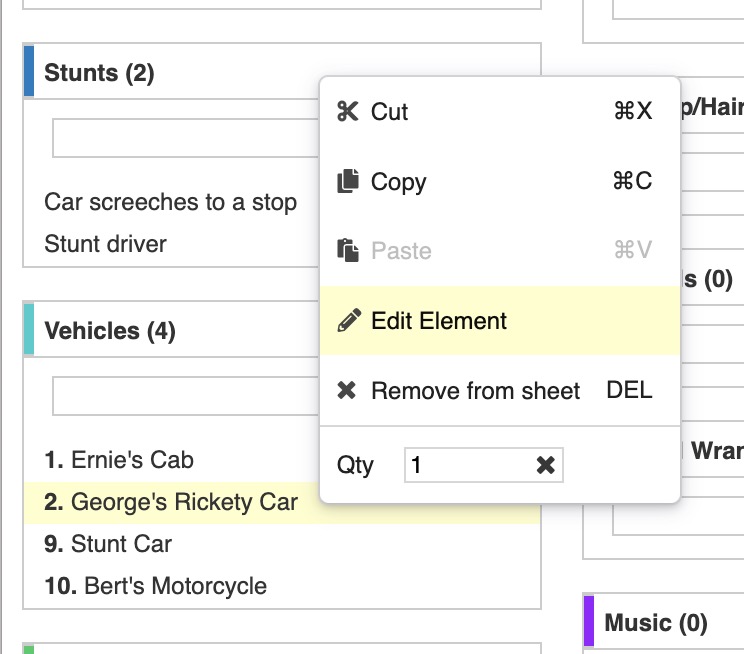
From the Breakdown Sheet:
- Select an element.
-
Double-click on the element or click the edit icon (pencil) on the right of the element name and select Edit.
From the Elements tab:
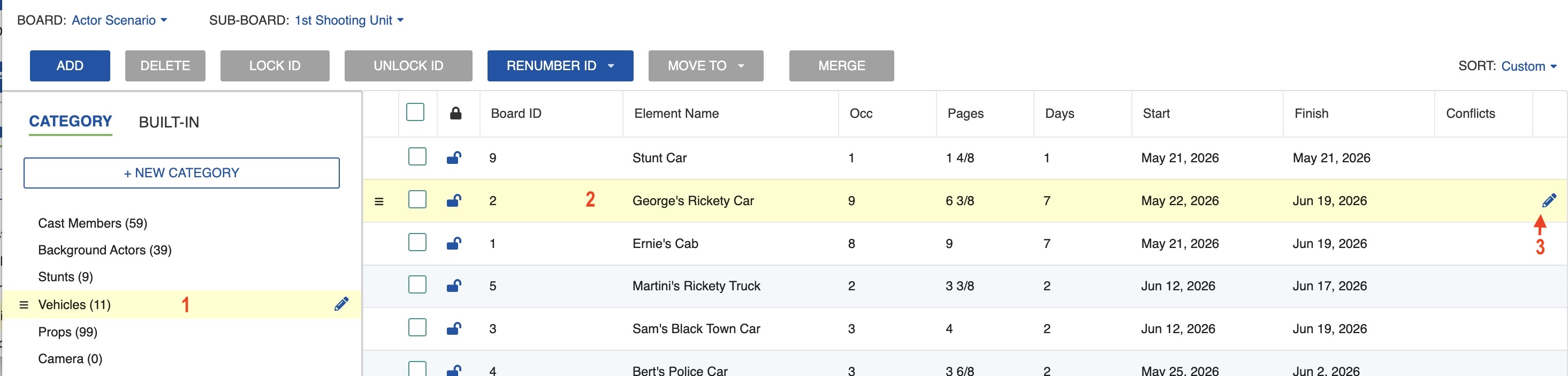
- On the left, select the Category of the element.
- On the right, select the element.
-
Double-click on the element or click the edit icon (pencil) on the right of the element name.
Link an Element to Another Element
-
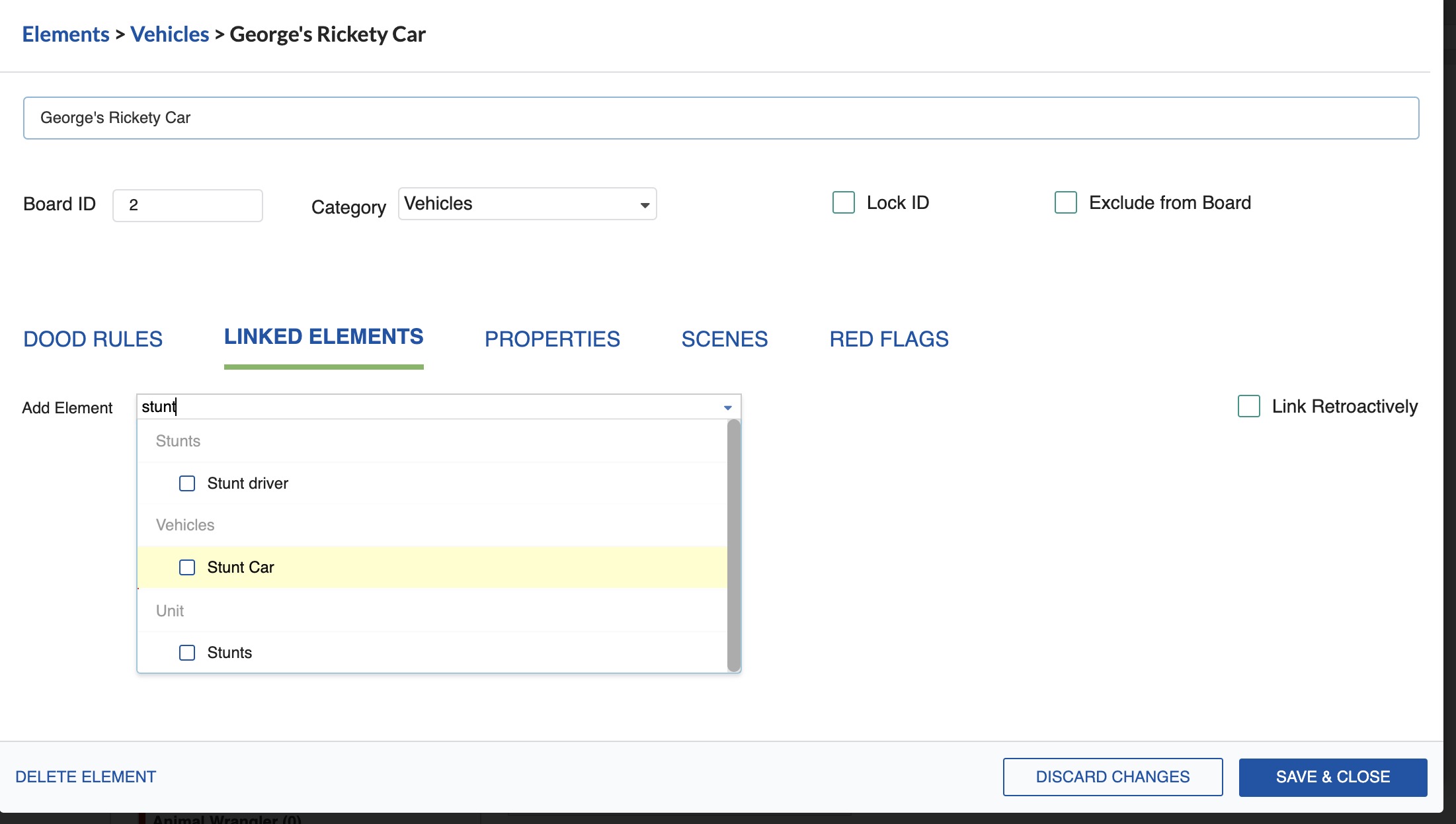
In the element's properties window, click the LINKED ELEMENT tab.
-
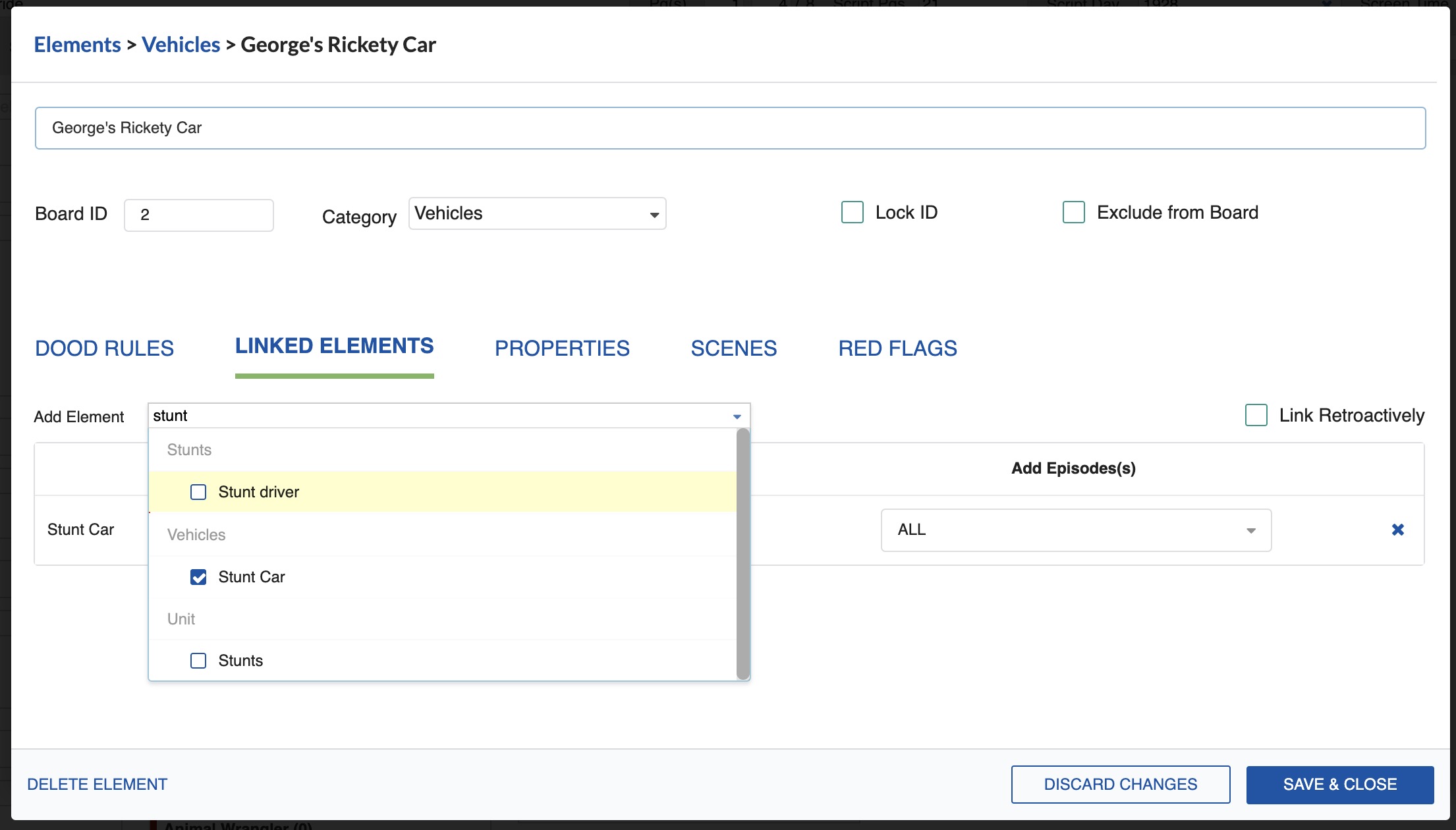
In the Add Element field, select the element you want to link to.
-
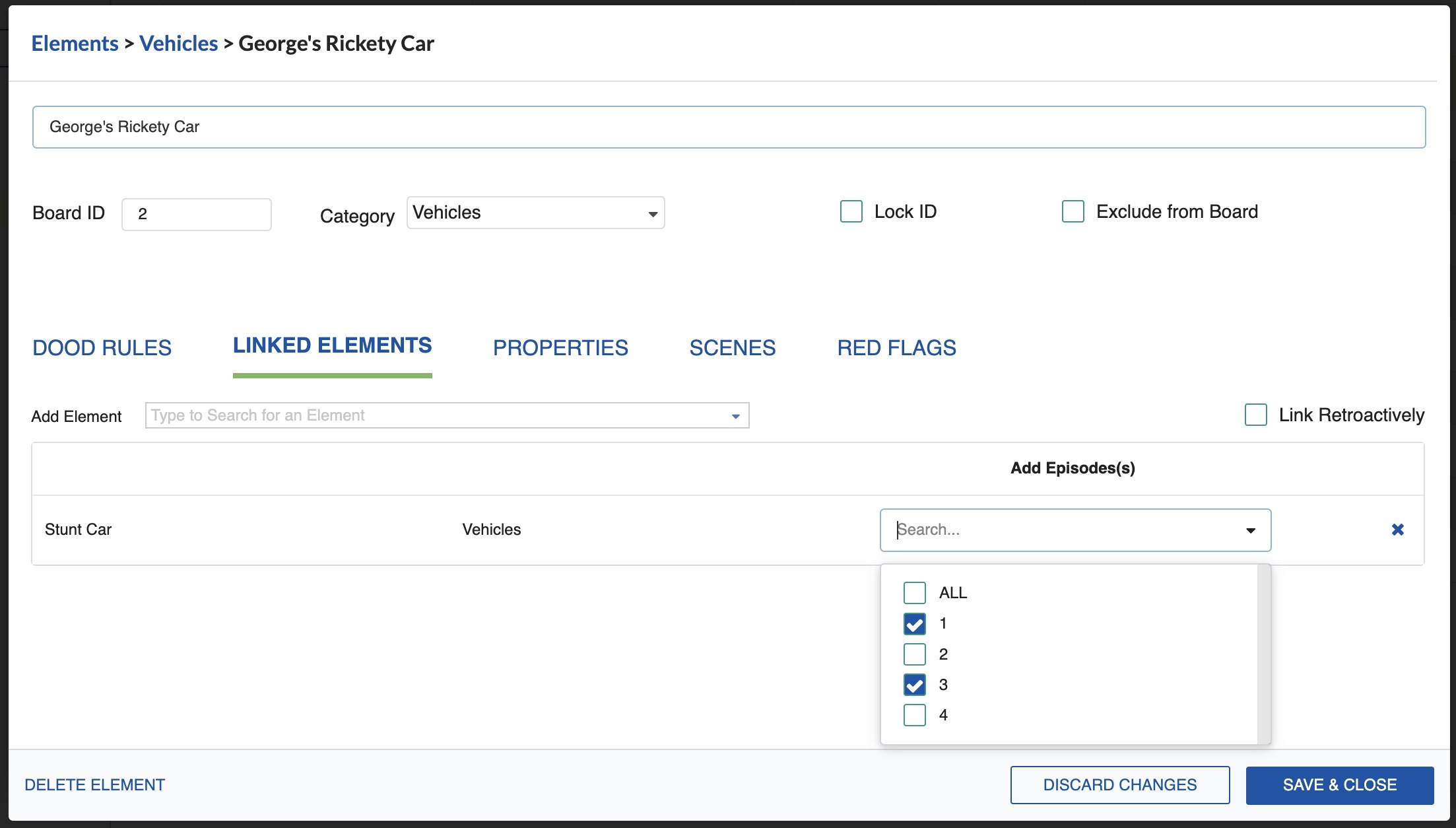
If you are working on a series, select whether you want the element linked through all episodes or only specific episodes.
-
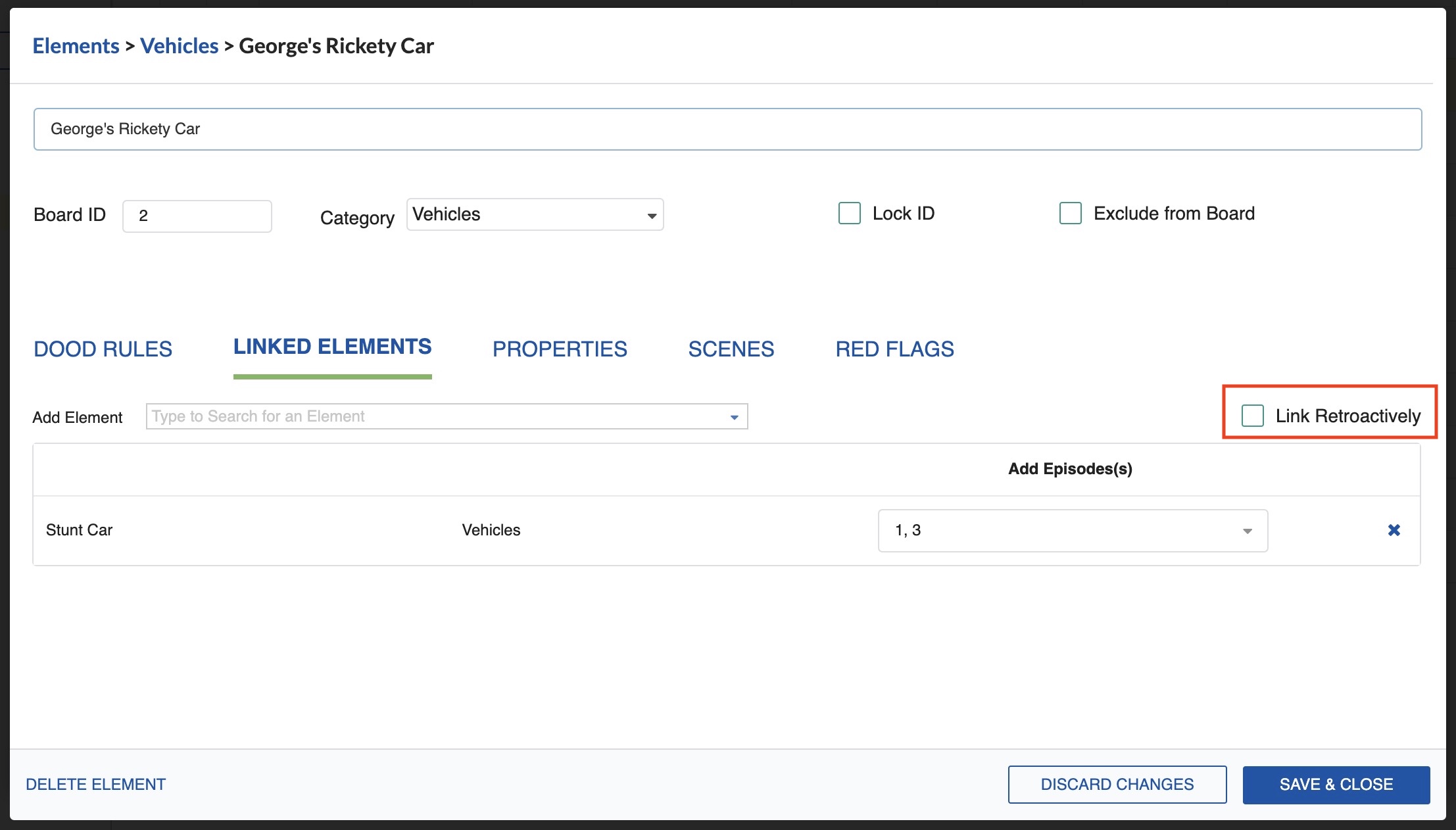
To link the element retroactively (applying it to Breakdown Sheets already created), activate the Retroactive checkbox.
-
Click Save & Close.
Note
You can link as many elements as needed to a single main element.