Board / Board
Board/Board Split Screen lets you view two different Boards or Sub-Boards of your schedule at the same time.
To Access
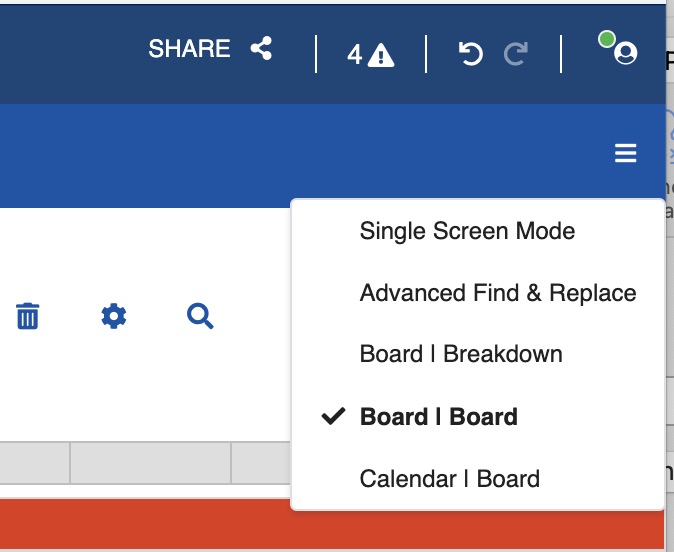
- In the upper-right corner of the window, click the three-line menu icon.
-
From the dropdown menu, select the Board/Board option.
Using Board / Board
Each panel shows a different Board and Sub-Board. Choose the appropriate Sub-Board using the Board and Sub-Board selector menu at the top of each panel.
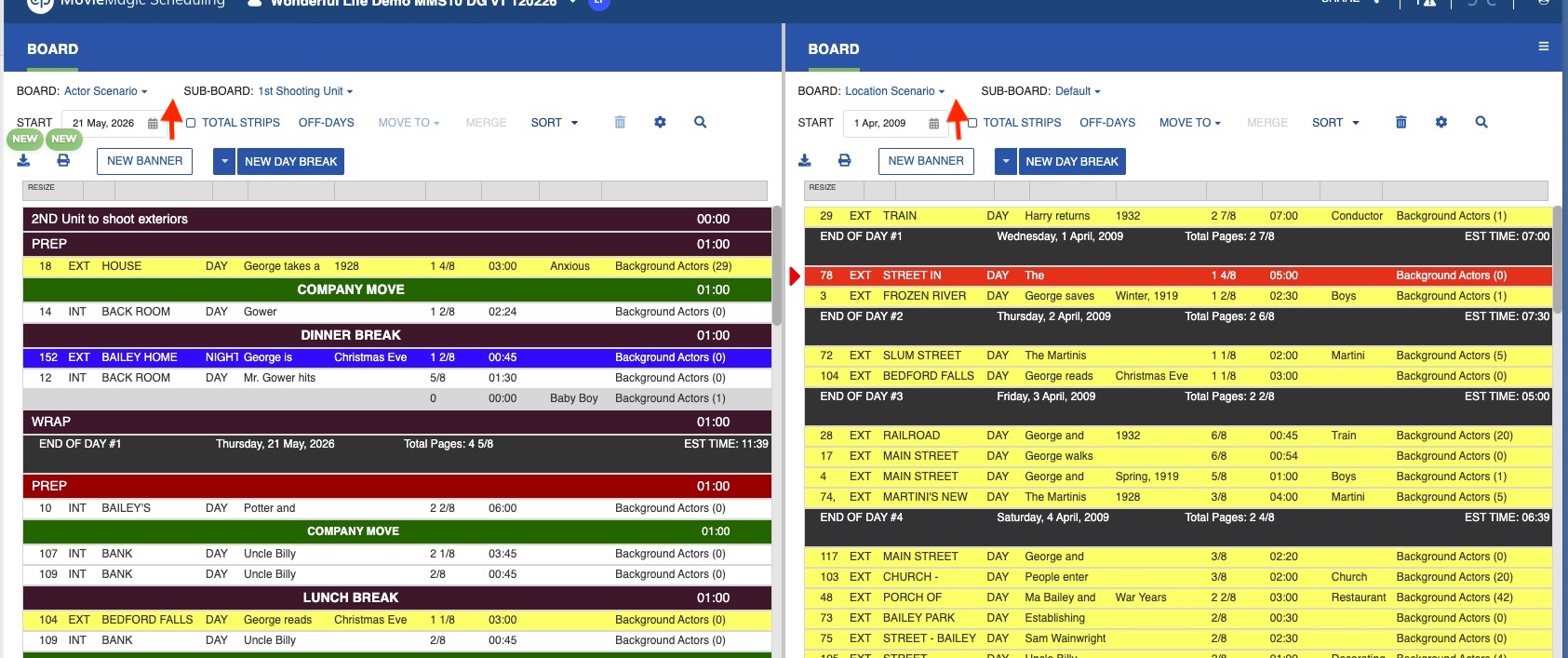
Each panel is independent. In each panel you can:
- Choose date range
- Drag and drop strips
- Select strips
- Change Start day
- Sort strips
- Define the off days
Drag & Drop
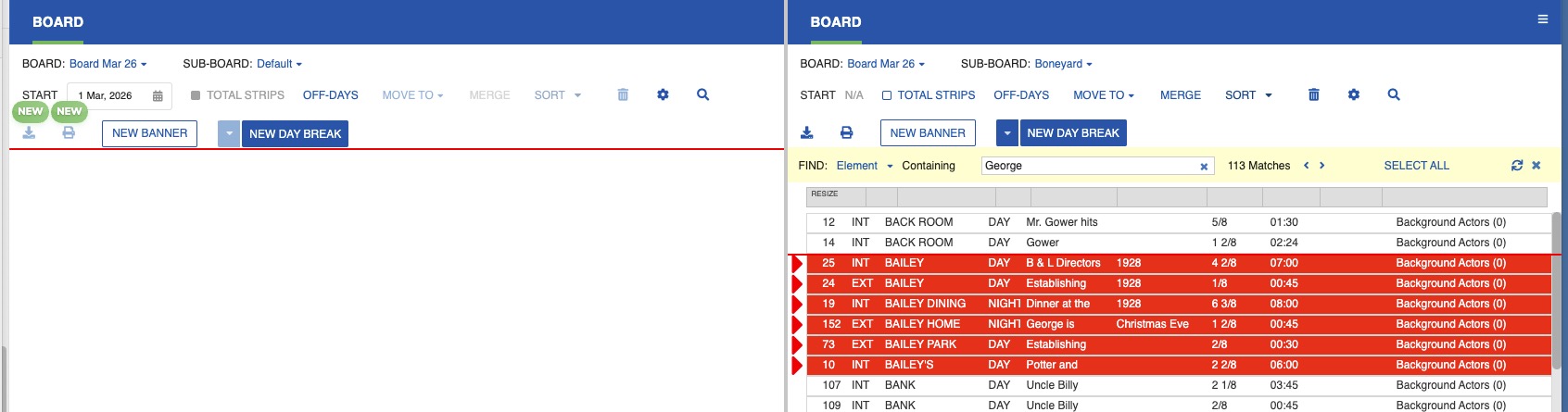
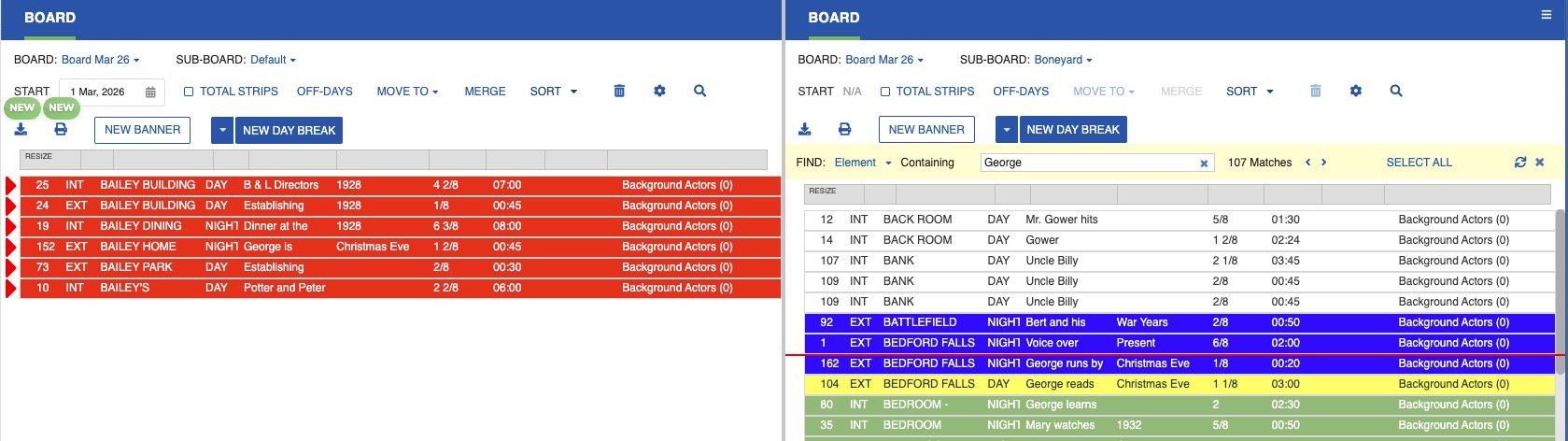
To build or reorganize your shooting schedule, drag and drop strips from one panel to another.
Note
You cannot drag and drop a strip from a Sub-Board within one Board to a Sub-Board in a different Board.