Conflict Report
When you run multiple units, some scheduling problems are conflicts you have to resolve and others are Red Flags you set yourself. The Conflict Report lists conflicts on their own so you can act on a specific Strip. A conflict is the same active Element scheduled on the same shooting day across two or more Sub-Boards.
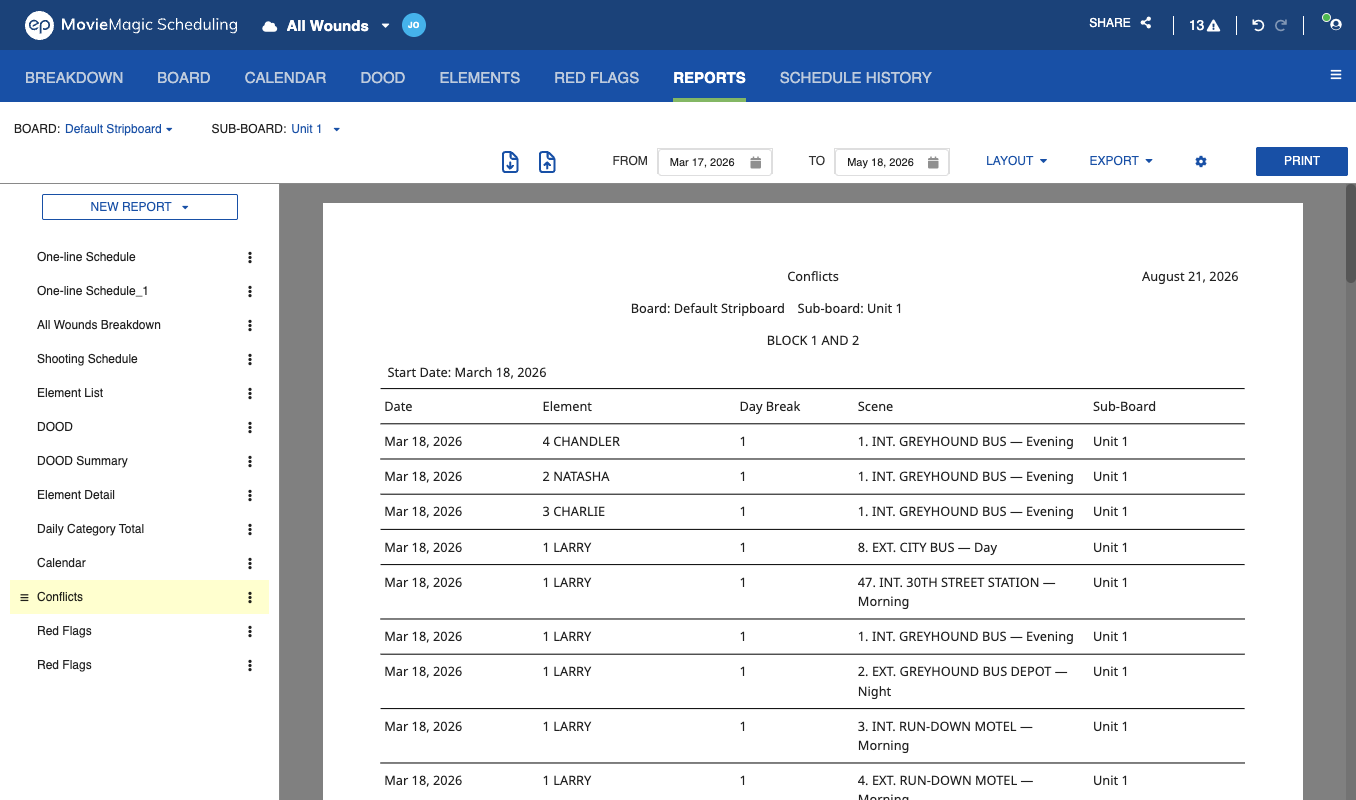
The report shows one row per conflicting Strip:
- The date
- The Element and its Board ID
- The shooting day
- The scene, with its set and time of day
- The Sub-Board the conflict is with
Only Sub-Boards with Day Breaks produce conflicts. Conflicts on red-flagged Elements appear in the Red Flag Report instead, so each report covers one kind of problem.
See Conflict Handling for how conflicts are detected and where the conflict icon appears.