Red Flag Report
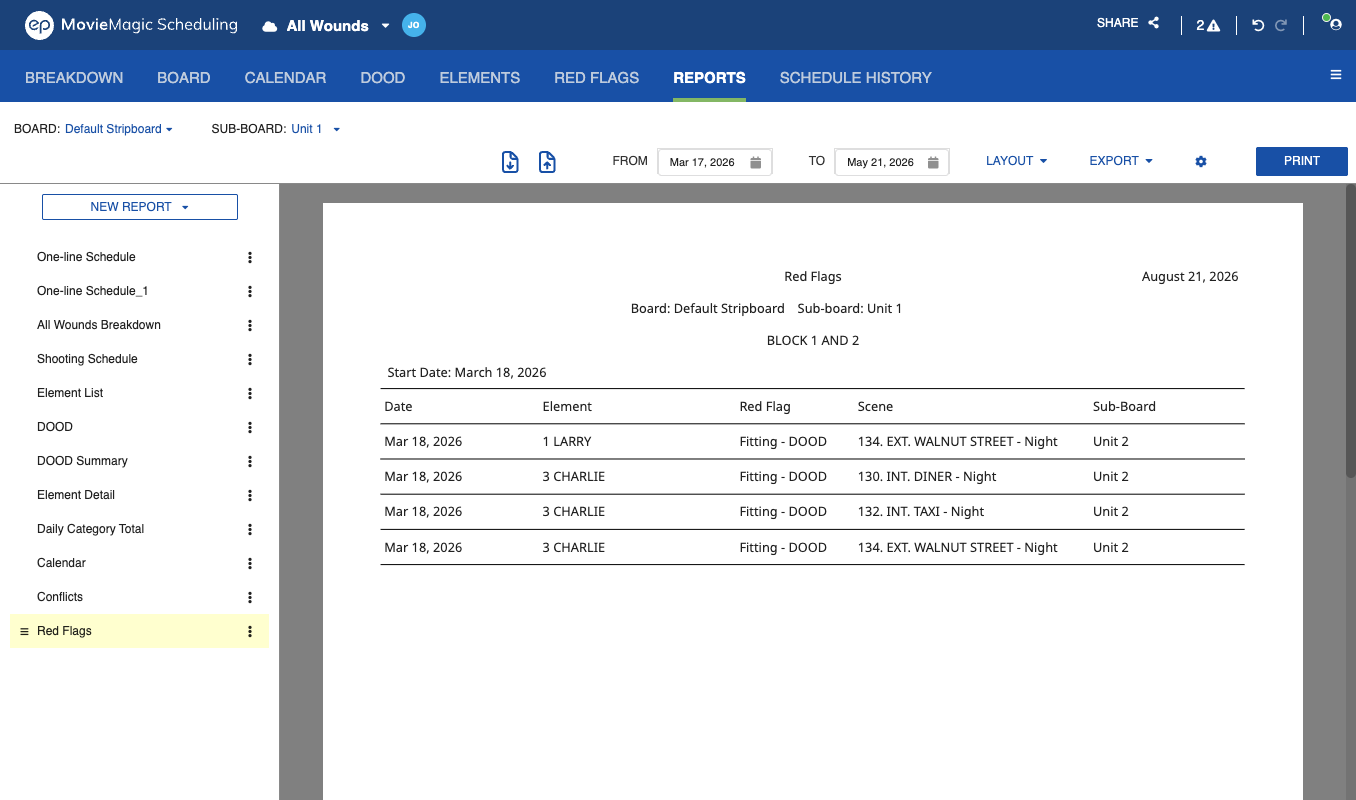
The Red Flag Report lists conflicts on the Elements you have red-flagged, kept separate from the Conflict Report so each report covers one kind of problem. It reads like the Conflict Report, with the shooting day column replaced by the flag assigned to that Element in the Red Flag Manager.
To generate it, select Red Flag from the New Report list on the Reports tab.
Rename, duplicate, delete, and save as a layout all work the same as on every other report.
Note
New schedules include a Red Flag Report. An existing schedule gains one the first time you open it after the update.